If you’re using Taplio for LinkedIn content but want to explore other tools either for features, pricing, safety, or workflow here are 12 excellent alternatives creators are turning to in 2025. First up: Replya.io, your own tool, then 11 more, each with concrete use cases, what makes them unique, and what to watch out for.
1. Replya
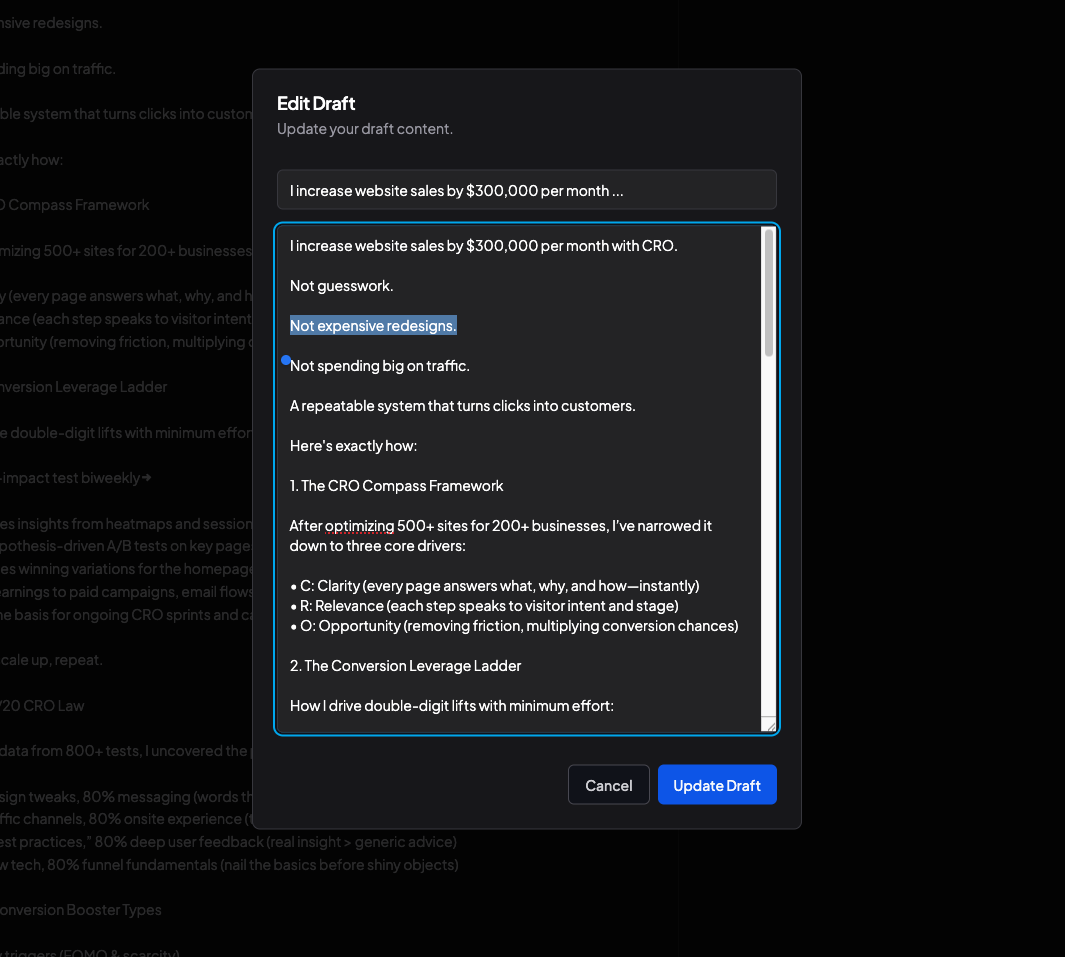
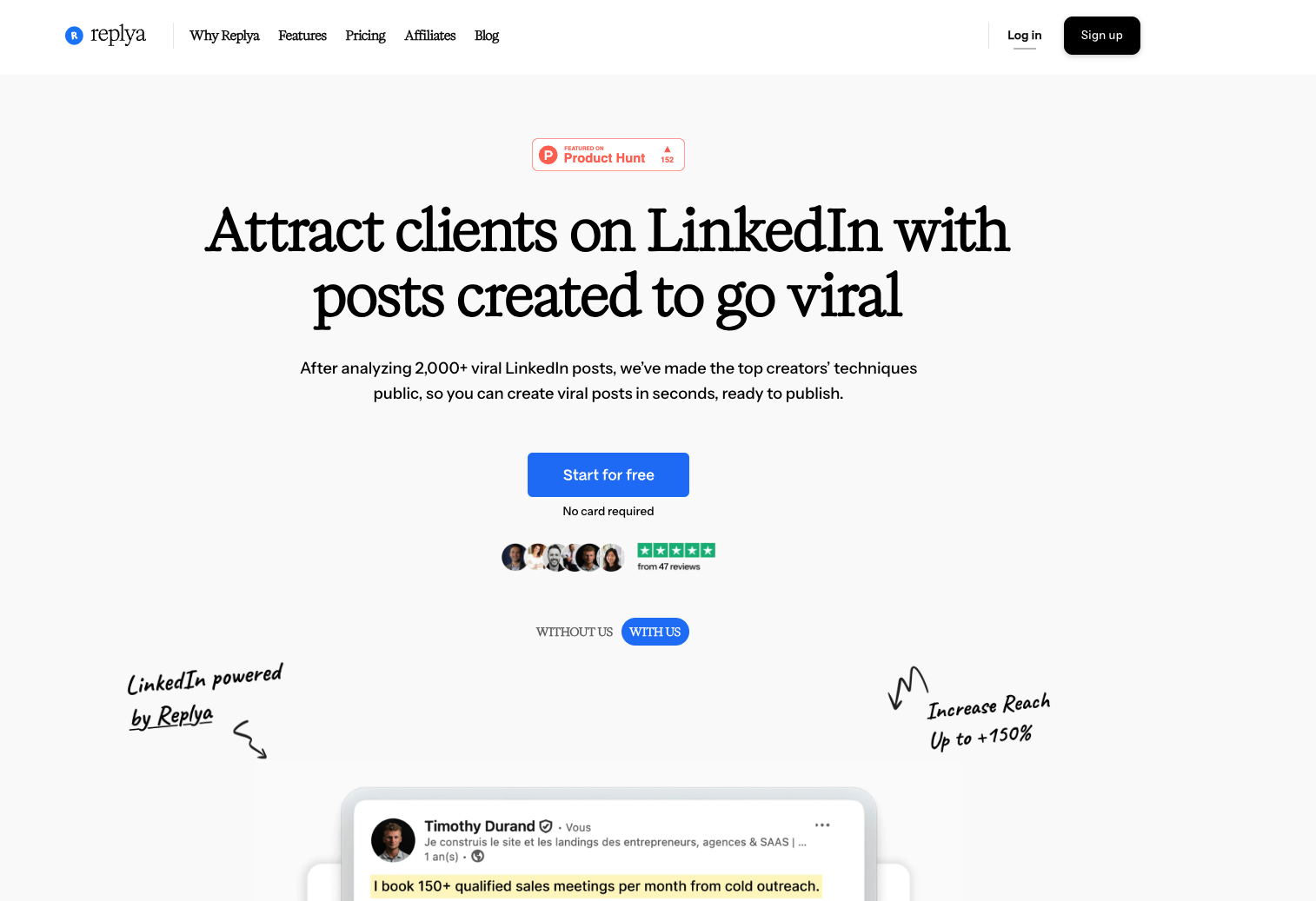
Replya.io is a LinkedIn post generator combined with scheduling and content calendar features. It helps creators find successful posts by others (as inspiration), generate drafts, plan posts and maintain consistency. Ideal for content creators, freelancers, solo marketers who want both inspiration and output without reinventing every post.
Why It Stands Out?
Because you get both inspiration (viral posts), idea generation, draft creation, and calendar management in one place. The combo of “see what works + produce what works” reduces creative friction significantly.
Advantages
-
Strong time-saver: drafts + scheduling + inspiration
-
Helps maintain consistency (very important for LinkedIn algorithm & engagement)
-
Integrates strategy + execution
Disadvantages
-
Depending on plan, some advanced features might be limited.
-
You must still edit to ensure personal voice & avoid generic tone
2. Supergrow
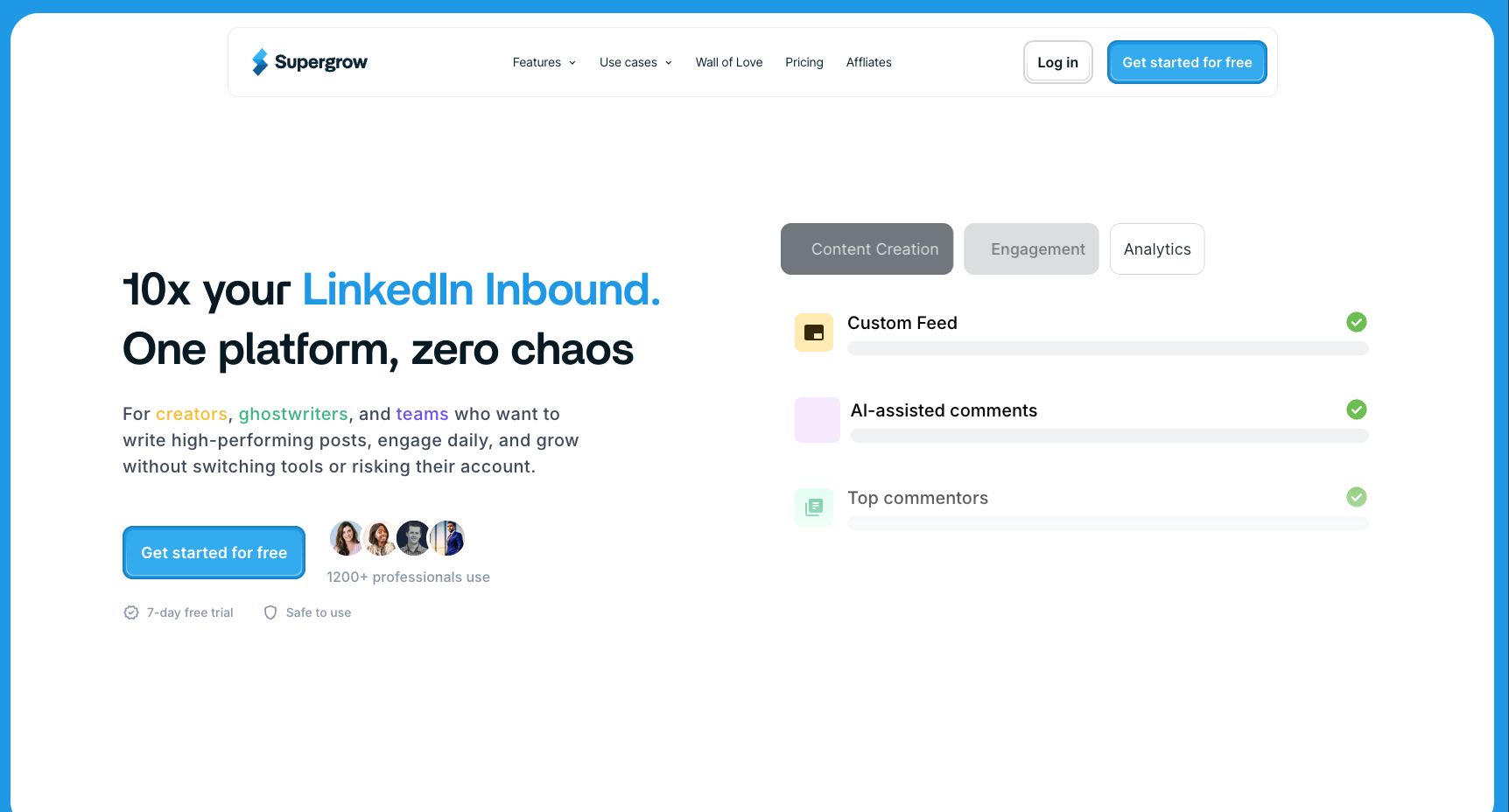
Supergrow is a tool focused on content creation for LinkedIn, with features like a post generator, carousel maker, scheduling, hooks and headline suggestions. Use case: creators who want more AI help, faster turnaround, and features beyond just post drafting (formatting, preview, etc.).
Why It Stands Out
Strong AI content generation + a full workflow for LinkedIn content: idea generation, posting scheduling, preview, etc. Also, it tends to be more affordable or provide more features at similar price points compared to Taplio, per reviews.
Advantages
-
Good AI-powered writing + formatting tools
-
Solid scheduling + preview tools so what you write is what appears visually correct
-
Cheaper entry / better value for some creators
Disadvantages
-
Might lack very advanced analytics or enterprise-level team collaboration tools
-
Some users report limitations in safety or risk management vs LinkedIn policies (automation features may trigger warnings)
-
Not as mature or vetted (fewer large brand case studies)
3. AuthoredUp
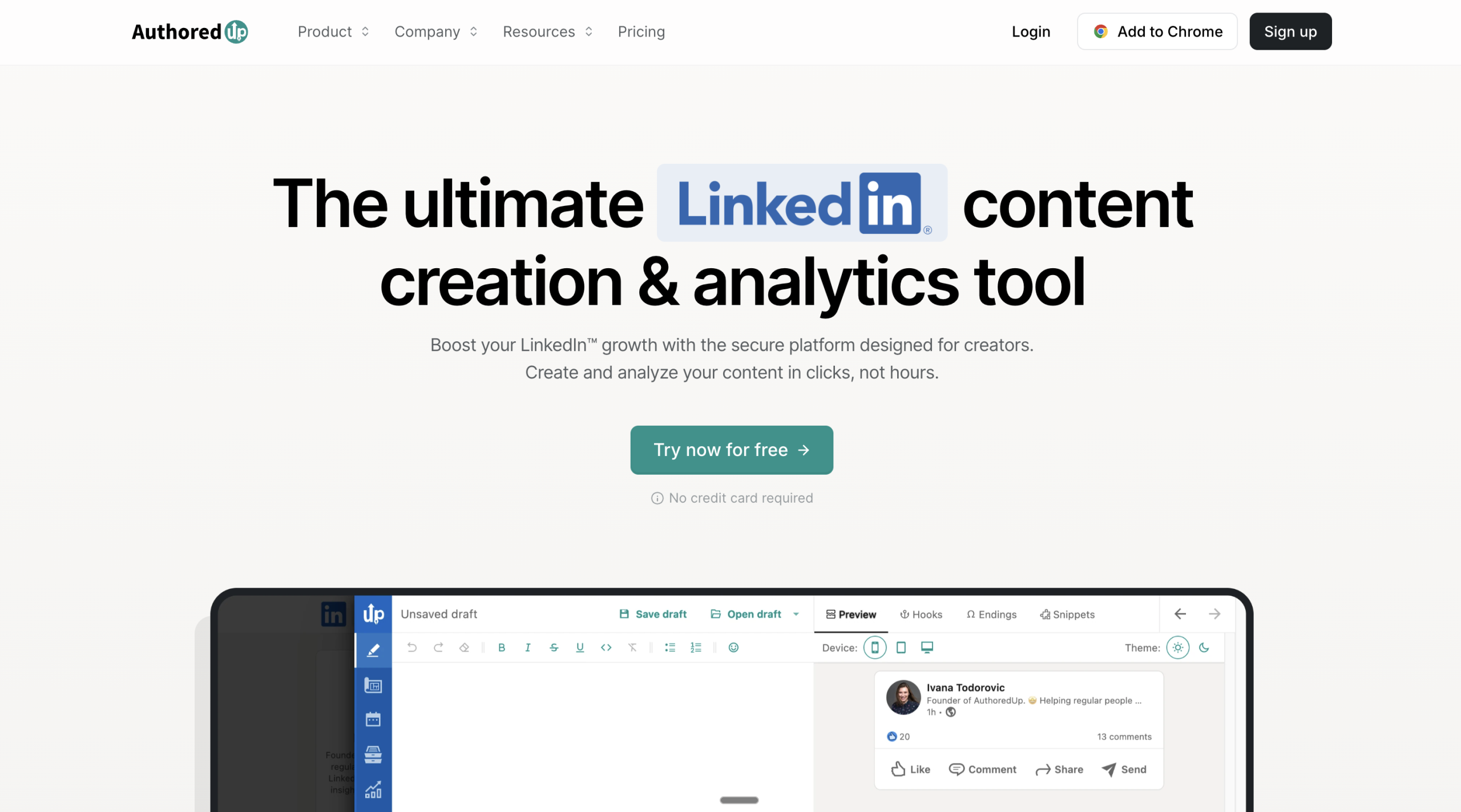
AuthoredUp is a Chrome extension + SaaS tool for LinkedIn creators that helps with content formatting, scheduling, draft saving, and performance analytics. Use case: someone who writes often and values strong post formatting (readability, structure, emphasis), but doesn’t necessarily need full-blown AI content generation just yet.
It particularly shines for readability & draft workflow. If you often paste long text into LinkedIn and struggle with paragraph breaks, emojis, structure, AuthoredUp helps clean that. Also safer for LinkedIn account risk, since fewer automations that violate policy.
Advantages
-
Excellent formatting & readability tools
-
Lightweight, fast, often cheaper
-
Less risk because fewer automation-type features that might violate LinkedIn rules
Disadvantages
-
Not as strong on AI content generation (if you want full post generation, inspiration, hooks)
-
Limited team collaboration features
-
Fewer bells & whistles for analytics & content performance tracking
4. MagicPost
MagicPost is among the Taplio alternative tools that emphasize speed & content idea generation. Use case: creators who want to batch content, generate multiple post ideas quickly, maybe use templates, and then adjust to personal voice instead of writing from scratch each time.
Why It Stands Out
Because it focuses on the idea-generation side, letting you spin up drafts & inspiration fast. Good for those who struggle with “what to post about” more than “how to manage posting”.
Advantages
-
Fast ideation, template library
-
Good entry-level pricing or plan options
-
Helps solve content droughts
Disadvantages
-
Might produce more generic content if not heavily edited
-
Less strong in analytics / performance tracking compared to tools more mature
-
Possibly fewer scheduling or multi-format features
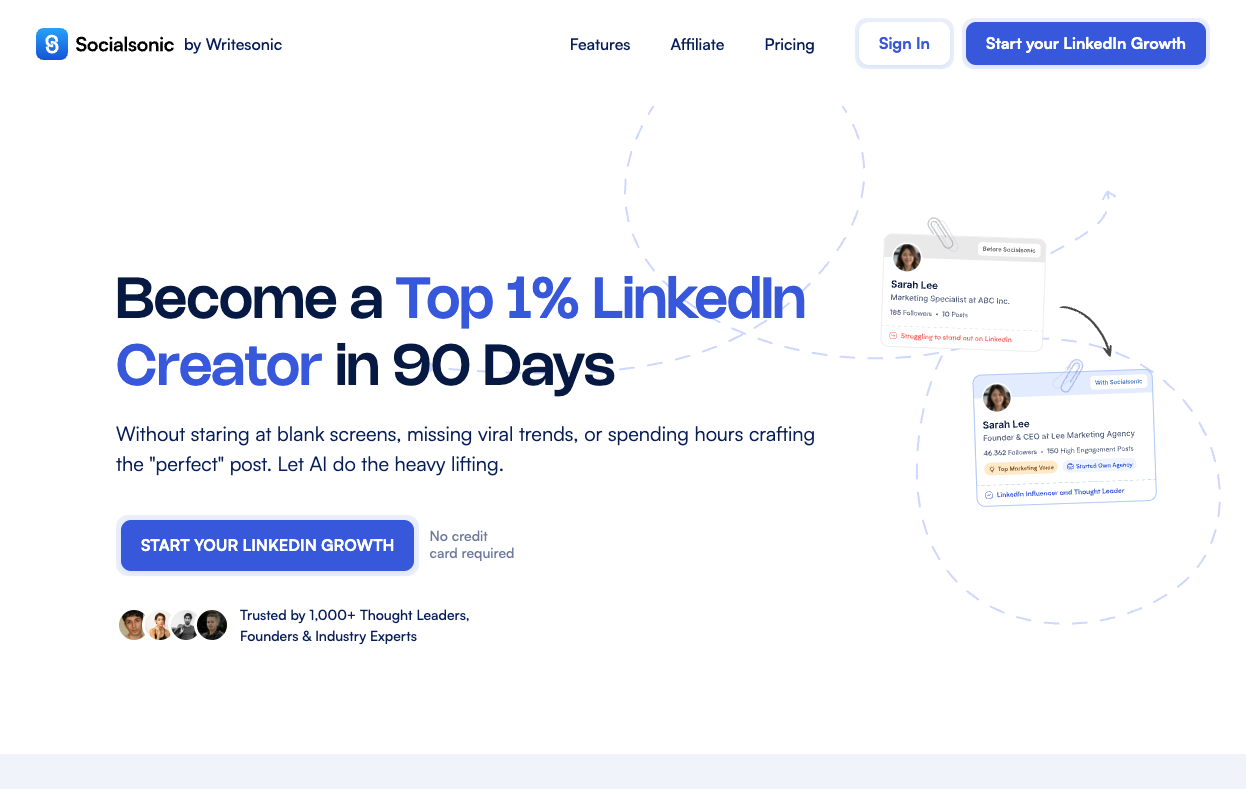
5. SocialSonic
SocialSonic (by WriteSonic team) is another tool that combines AI content creation with audience engagement tools for LinkedIn. Use case: content creators who want volume + AI-assisted content + faster drafting plus engagement features (e.g. commenting / interacting modules).
Why It Stands Out
Good at generating content at scale, with AI assistance. For creators who need to produce many posts, want to keep momentum, this kind of tool helps reduce friction.
Advantages
-
High volume content generation
-
AI tools for tone, style, maybe auto-suggestions
-
Often cheaper for bulk usage
Disadvantages
-
Risk of content homogeneity: many posts may feel similar
-
Engagement tools / safety / LinkedIn policy compliance might be weaker
-
Possibly limited “prestige” or “brand recognition” vs big names
6. Aware
Aware is a Taplio alternative that targets creators who prefer authenticity & engagement over pure automation. It tends to focus less on AI-generated posts and more on helping you manage engagement, find your real voice, understand what your audience cares about. Use case: influencers or personal brands who want to grow organically rather than aggressively.
Why It Stands Out
Because its orientation is toward meaningful engagement and safe content creation. It’s used by creators who are wary of tools that seem too automated or may risk LinkedIn warnings.
Advantages
-
More focus on authenticity and voice
-
Tools for engagement management rather than just posting
-
Likely lower risk re account bans / policy issues
Disadvantages
-
Fewer AI or automation-heavy features
-
Might require more manual effort
-
Maybe less support for high volume scheduling / teams
7. Bluecast
Bluecast is an AI content tool for LinkedIn, targeting growth generating posts, helping with scheduling, repurposing content, possibly supporting multiple content formats. Use case: creators & agencies wanting to scale content output with assistance, but still keeping quality decent.
Why It Stands Out
Because it offers a mix of automation + tools that help with idea generation + distribution. Also offers free trial options, which helps creators test without heavy investment.
Advantages
-
AI assistance, content batching
-
Likely affordable entry/try-before-you-buy
-
Helps reduce the mental load of content planning
Disadvantages
-
Could lack mature analytics
-
May not provide strong support/resources for creators trying to refine tone/voice
-
Template risk: using too many presets might blur personal brand uniqueness
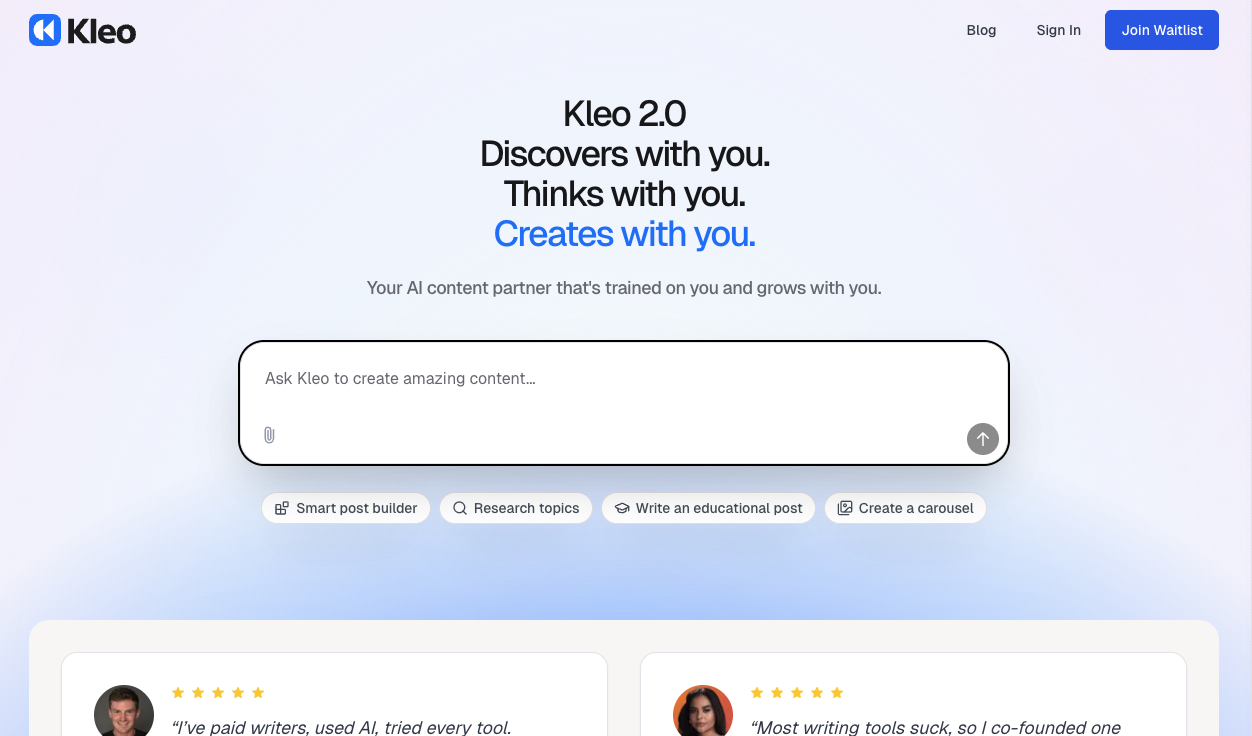
8. Kleo
Kleo appears in the lists of LinkedIn growth tools; aimed toward individuals and small teams who want LinkedIn-first content tools: scheduling, idea generation, trend tracking. Use case: creators who want a tool built specifically for LinkedIn rather than a generic social media scheduler.
Why It Stands Out
Because of LinkedIn specialization: better formatting, understanding LinkedIn best practices, possibly safer automation. For many users, tools tuned for LinkedIn perform better in terms of engagement.
Advantages
-
Focused on LinkedIn content features (format, best practice)
-
Probably better tailored analytics for LinkedIn metrics
-
More aligned UX & workflow for posting & measuring on LinkedIn
Disadvantages
-
Might be less cross-platform support
-
Pricing might be high for certain features
-
Features might still be catching up vs more established tools
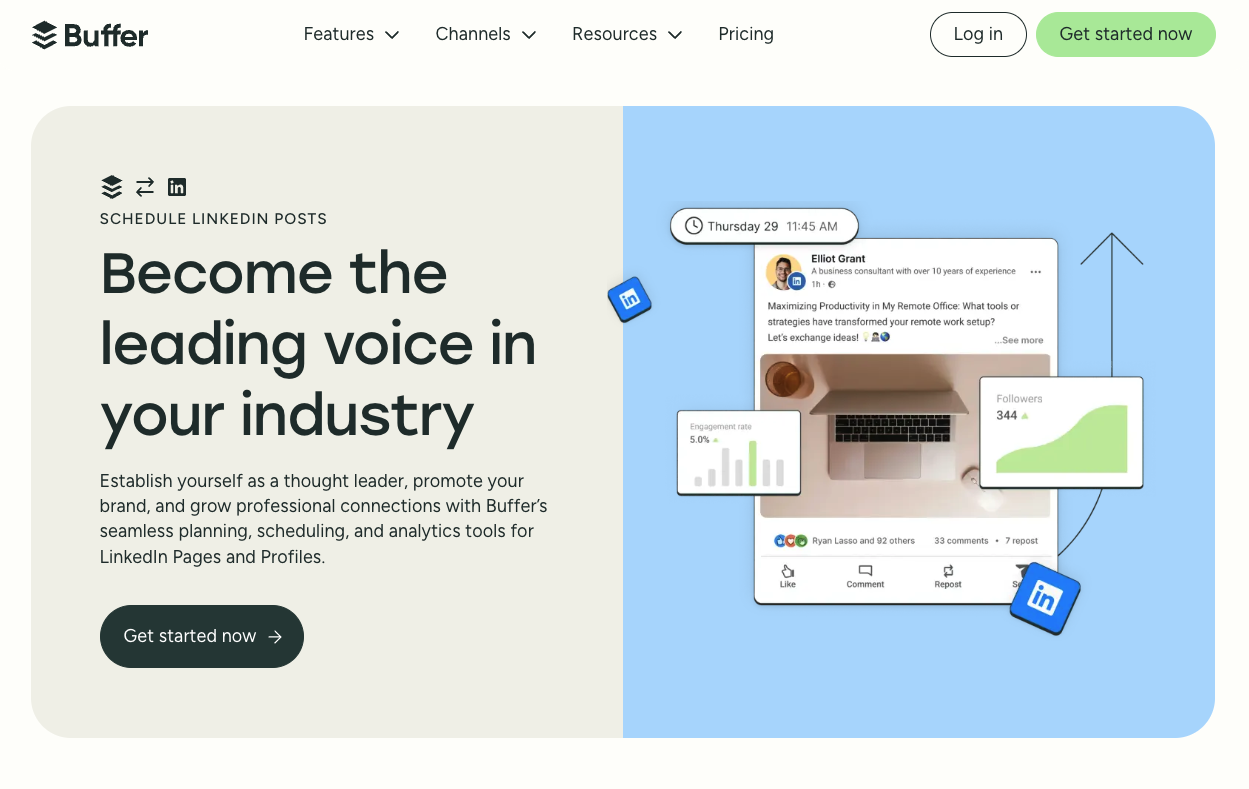
9. Buffer
Buffer is a well-known social media tool that supports LinkedIn among other platforms. Use case: creators or small teams who manage content across platforms (LinkedIn, Twitter/X, Instagram, etc.) and want a unified scheduling + posting dashboard.
Why It Stands Out
Because of its simplicity, reliability, clean UI, and cross-platform scheduling. If your goal is multi-channel presence, Buffer gives consistency, predictable workflows, and strong support.
Advantages
-
Excellent UX & reliability
-
Multi-platform scheduling & analytics, which saves time
-
Known brand, good support & trust
Disadvantages
-
Less LinkedIn-specialized features (hooks, carousel suggestions, AI content suggestions)
-
May lag behind LinkedIn-only tools in terms of post formats and best practices
-
More generic metrics, sometimes less detailed LinkedIn-specific insights
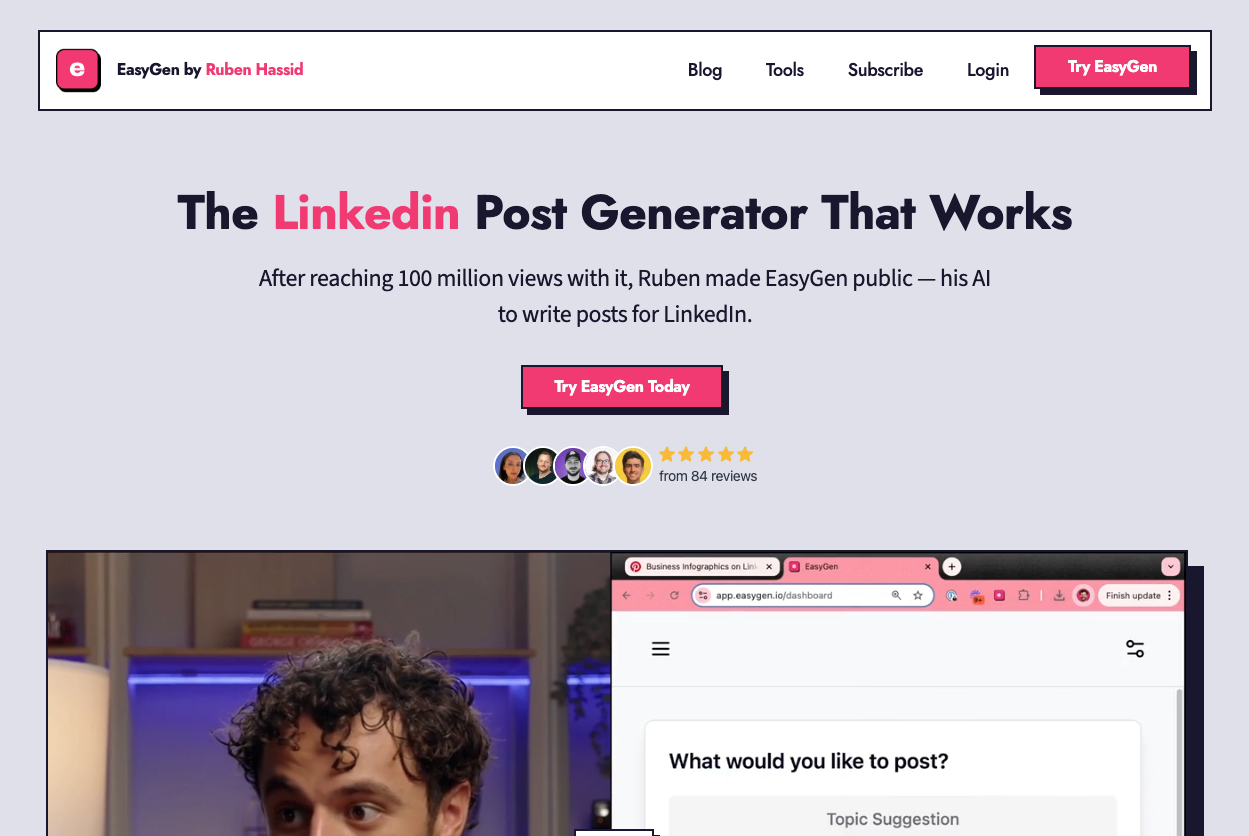
10. EasyGen
EasyGen.io is an AI-powered content inspiration tool trained on thousands of top-performing LinkedIn posts. It suggests ideas, hooks, and formats proven to work. Ideal for creators who want to write better, not from scratch, but from winning examples.
Why It Stands Out:
Rather than spinning content randomly, EasyGen’s AI is trained on real viral posts, which means you’re starting from proven content structures. It’s ideal if your posts aren’t landing yet and you want insight into what makes high-performance content.
Advantages
-
600+ proven viral structures
-
Generates hooks, content ideas, and formats
-
Great UX + easy integration into workflow
Disadvantages
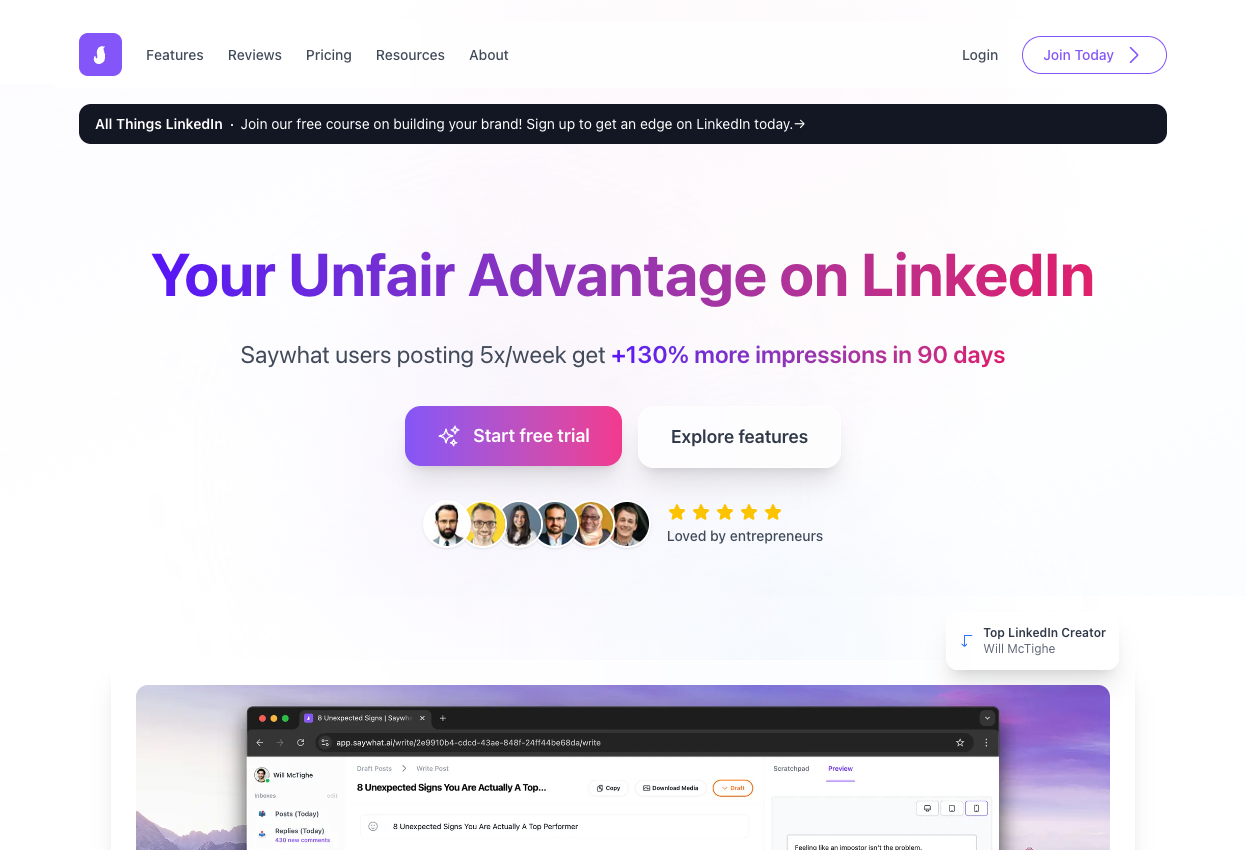
11. SayWhat.ai
SayWhat.ai turns your short thoughts, tweet drafts, or bullet ideas into longer-form LinkedIn posts. It’s ideal for creators who have insights but struggle with structure or tone. Think of it as a personal ghostwriter trained on your voice.
Why It Stands Out
Its prompt-based post generation makes it incredibly simple to go from idea → polished post. Especially great for X (Twitter) users transitioning to LinkedIn content.
Advantages
-
Excellent for turning short ideas into full posts
-
Lightweight, clean UX
-
Works across styles (personal story, educational, listicle, etc.)
Disadvantages
-
No publishing or scheduling
-
Doesn’t show post performance or optimization tips
-
Still requires a bit of editing for best results