Blog · 7 min read
LinkedIn Post Generator: How to Write Better, Faster, and Smarter on LinkedIn

Timothy Durand
AI content specialist
In today’s content-heavy world, showing up consistently on LinkedIn isn’t easy especially when your time is limited and creativity is unpredictable. That’s where a LinkedIn post generator comes in: a smart tool that helps entrepreneurs, creators, and professionals write posts that engage, educate, and convert.
In this guide, we’ll explore what a LinkedIn post generator is, how it works, and why using one can give you a strategic advantage without sounding like a robot.
What Is a LinkedIn Post Generator?
A LinkedIn post generator is an AI-powered tool designed to help you create LinkedIn content quickly. It can:
-
Suggest post hooks and angles
-
Write full posts from prompts or ideas
-
Optimize your writing for engagement
-
Repurpose other types of content (emails, tweets, blogs)
Some tools, like Easygen.io or Replya.io even go further by using real data from viral posts to help you reverse-engineer what works.
Why Use a LinkedIn Post Generator?
1/ Save Time Without Sacrificing Quality
You no longer have to stare at a blank page. A post generator gives you an instant first draft which you can then refine with your tone and expertise.
2/ Stay Consistent
The key to growth on LinkedIn is consistency. AI tools can help you stick to a posting rhythm, even on days when inspiration is low.
3/ Write Posts That Actually Perform
Most generators are trained on high-performing content. This means your posts follow proven structures like curiosity hooks, problem-solution frameworks, or storytelling formats.
4/ Boost Your Personal Brand
By posting more often (and better), you show up as a thought leader in your niche which builds trust and visibility.
How a LinkedIn Post Generator Works (Step-by-Step)
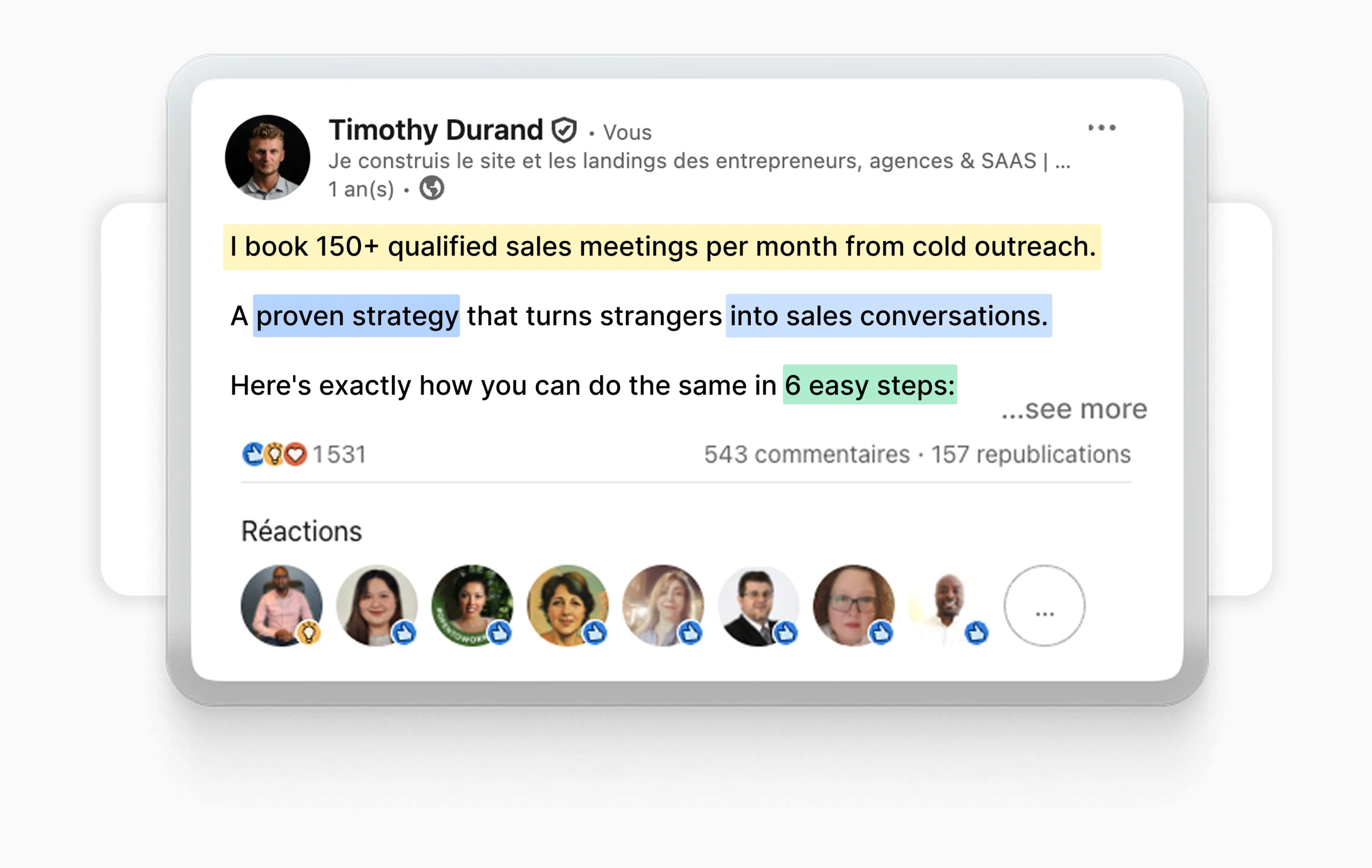
Step 1: Choose a Goal or Topic
Start by defining what you want:
-
Generate leads?
-
Share an insight?
-
Build personal branding?
2: Add a Prompt or Idea
Write a few words like: “Struggled with sales calls this week” or “Why I stopped using cold email.” The AI will use that to shape a draft.
3: Get a Draft in Seconds
You’ll get a structured post — often with a hook, body, and CTA. Most tools offer editing features to tweak tone, length, or format.
4: Schedule or Publish
Some platforms like Replya let you save drafts, schedule posts, or even build a full content calendar in-app.
Who Should Use a LinkedIn Post Generator?
-
Solopreneurs & freelancers: who want to stay visible but can’t spend hours writing.
-
Startup founders: who need to attract investors, customers, or talent.
-
Marketers & content creators: who manage multiple accounts or client brands.
-
Job seekers & career coaches: who want to stand out through consistent thought leadership.
Common Mistakes to Avoid When Using AI for LinkedIn Posts
-
Copying the draft word-for-word: Always personalize your content.
-
Overusing templates: Rotate between formats: storytelling, lessons, opinions, case studies.
-
Ignoring engagement: A good post invites comments or reactions — not just reads.
-
Skipping your voice: Even the best AI can’t mimic your personal experience and tone unless you guide it.
A LinkedIn post generator is not a shortcut. It’s a creative partner that helps you stay consistent, relevant, and visible especially if you’re short on time or ideas.
Use it as a launchpad, not a crutch. The best results come when you combine your expertise, your unique voice, and the speed of AI.

Need inspiration?
Effortless LinkedIn post creation. 10× faster than writing manually, with AI hooks, proven formats, and instant edits.

No card required